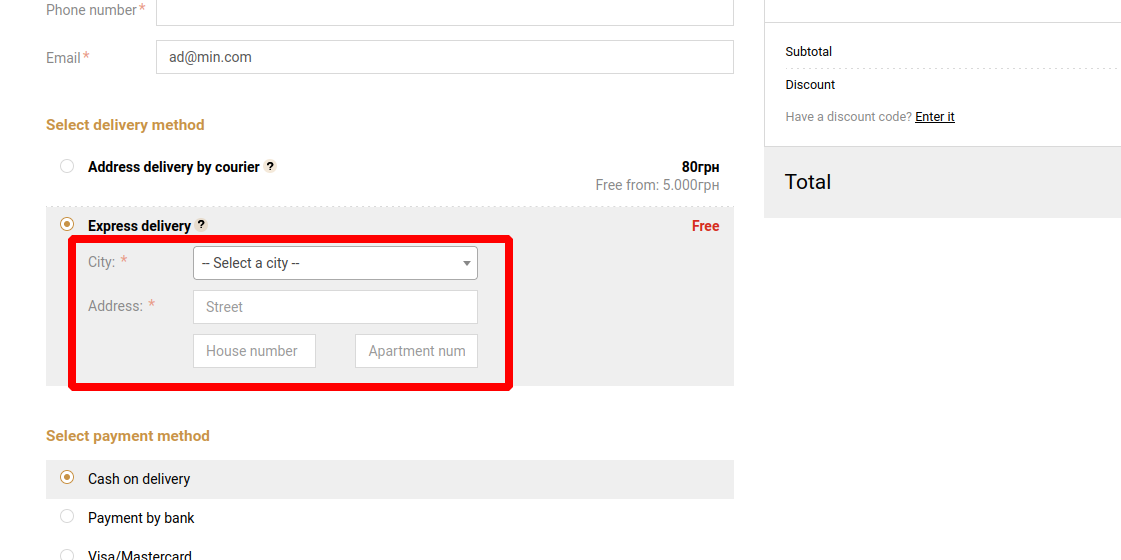
Delivery Ukrposhta
To start linking Ukrposhta to a delivery method, go to "Modules -> All modules -> Ukrposhta".
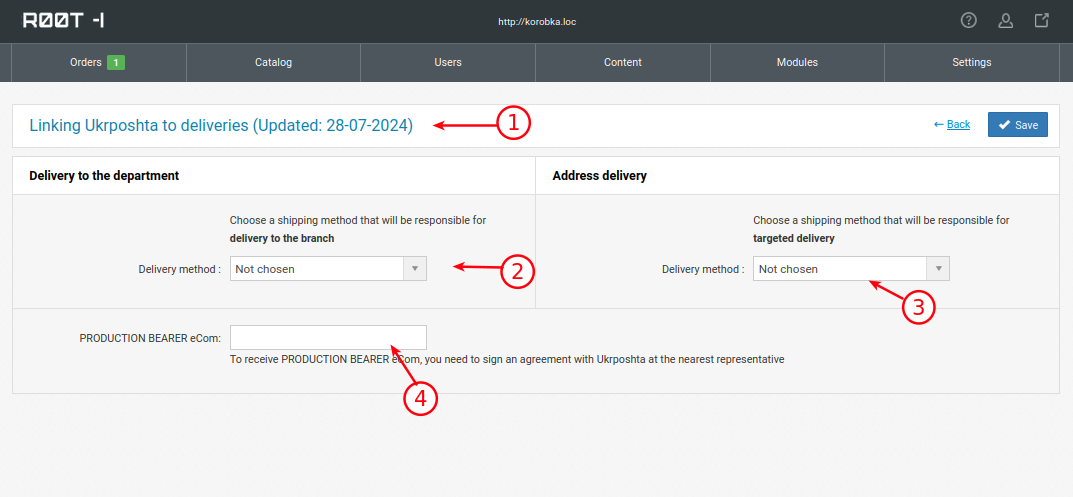
1. The last date of updating the list of cities. The site automatically updates the current cities when the first user of the day activates the basket.
2. Selecting a delivery method from "Settings -> Delivery method", in which, when the user works with the basket, the choice of city and branch will be displayed.
3. Selecting a delivery method from "Settings -> Delivery method", in which, when the user works with the cart, a choice of city and a field for entering data for address delivery will be displayed.
4. Ukrposhta provides its services and API access keys only after concluding a contract with it.