


Working with packages via Composer
Rooticms system supports the implementation of PHP libraries via Composer. All packages are installed in "application/third_party".
You should go to the root of your project from the terminal, for example "/var/www/project.loc" and use the command "composer install". The project root must contain the file "composer.json".
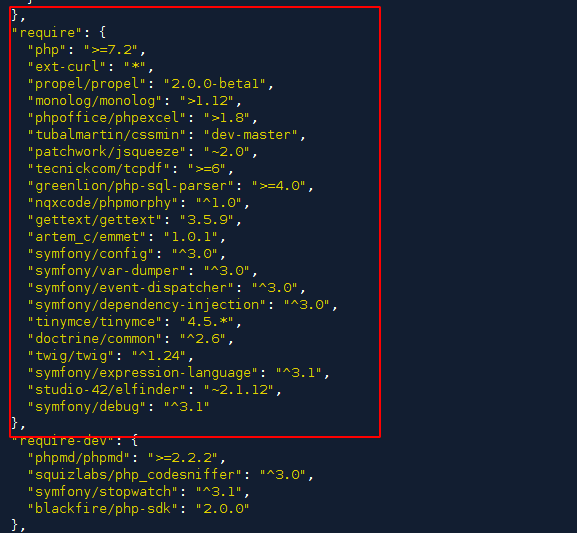
You can edit packages in "composer.json" in the "require" block.
In the terminal:
/var/www/project.loc> composer install --prefer-dist
After updating the packages, propel models should be generated automatically.
Libraries are automatically available for use immediately after the update.