


Template editor
To start working with the template code, go to "Modules -> All modules -> Template Editor".
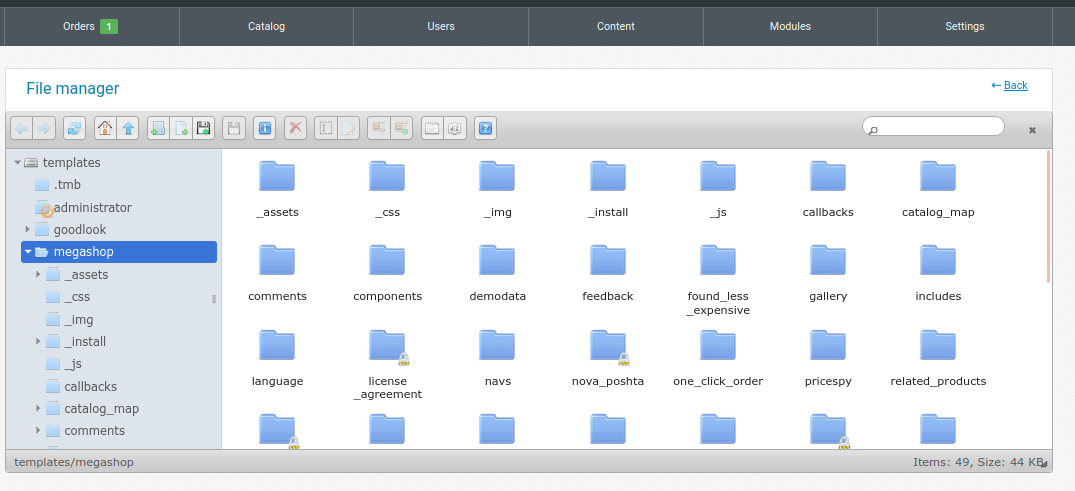
The editor allows you to work with template files, edit files to which you have access (rights 0777), upload new files (for example, for use in category, article and product templates) and delete files.
So that in the future you will be able to work with the necessary file that is not available for editing, you need to give it the rights 0777 (description here , only act relative to the template, point 9).
Attention! Depending on the server, there may be incorrect processing of file headers of some files (csv can be saved as txt, etc.).