Gallery
To create groups, albums and fill with photos, go to "Modules -> All modules -> Gallery".
The site has a gallery ready for displaying photos. By default, it is located in the top menu.
Gallery categories
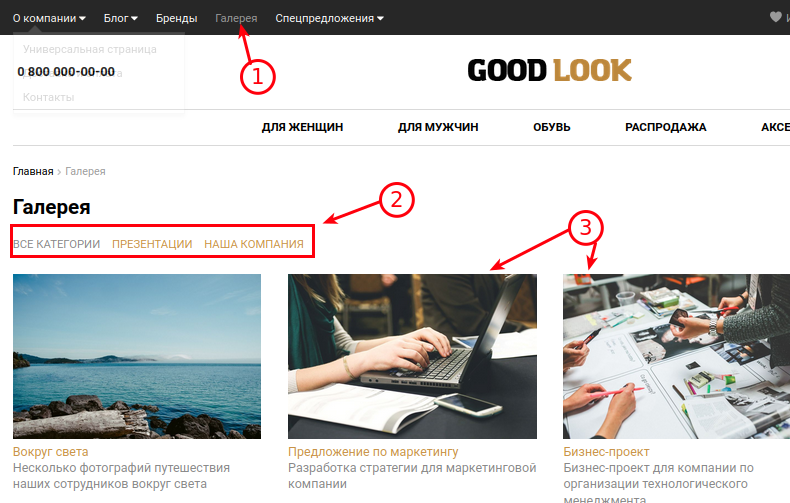
1. By default, the gallery is in the top menu.
2. Gallery categories (the appearance may differ depending on the selected template).
3. Gallery albums (the appearance may differ depending on the selected template).
In the admin area, you can create and edit categories and albums.
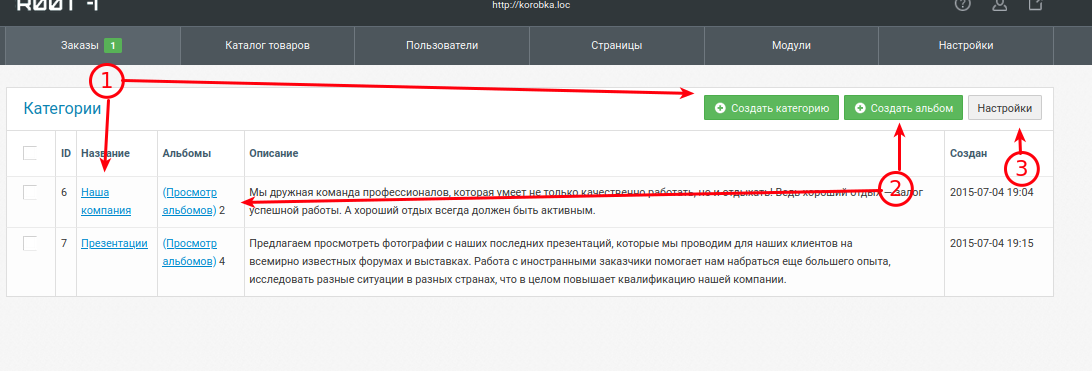
1. Creating and editing categories that contain albums.
2. Creating and editing albums.
3. General Gallery settings (quantity, size, watermarks).
Gallery albums
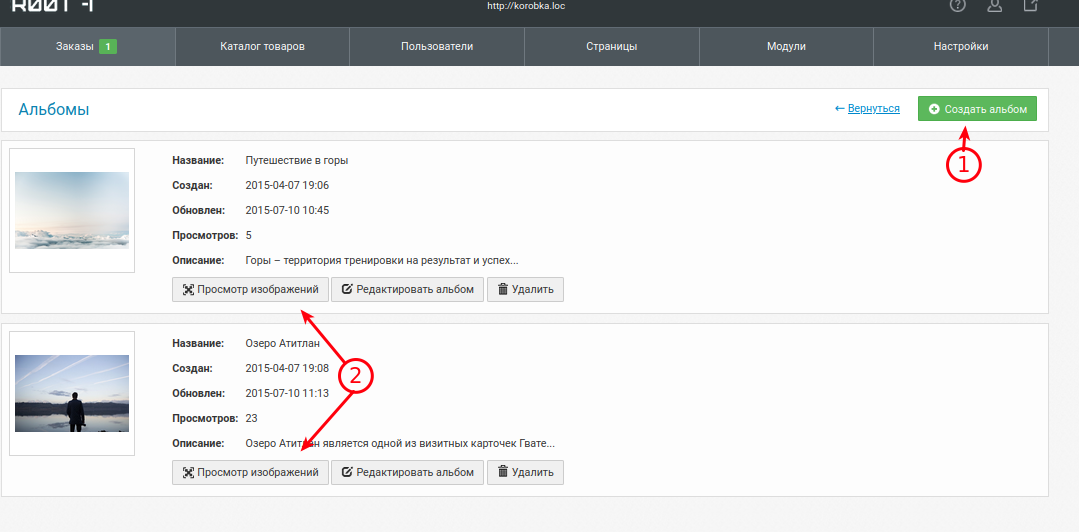
1. Creating an album to place photos in it.
2. Editing an already selected album to add photos.
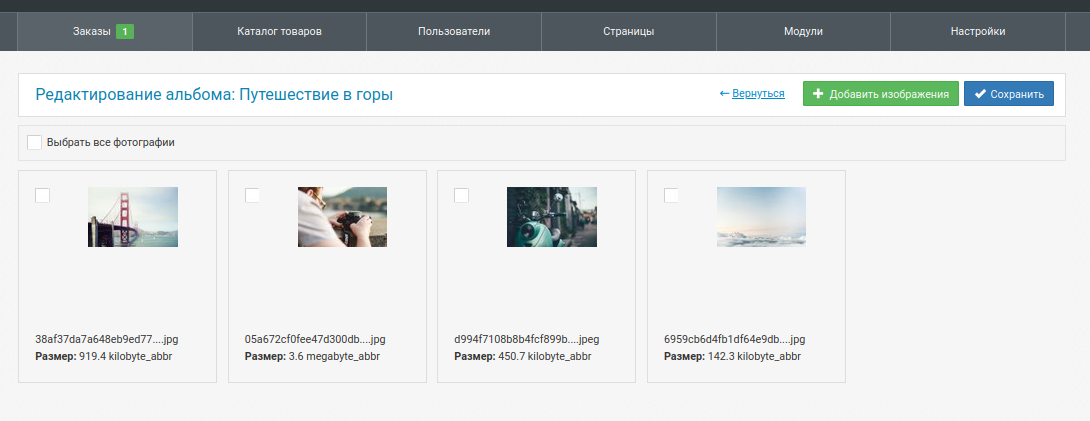
Administering an album in edit mode: