


Setting up memcache and memcached caching
Caching is configured in the file "/application/config/services.yml".
Example lines:
parameters:
     memcached.host: localhost
     memcached.port: 11211

     cache.directory: system/cache/
     cache.folder: doctrine

     cache.provider.priority:
       - cache.provider.memcache
       - cache.provider.memcached
       - cache.provider.filesystem
       - cache.provider.apc
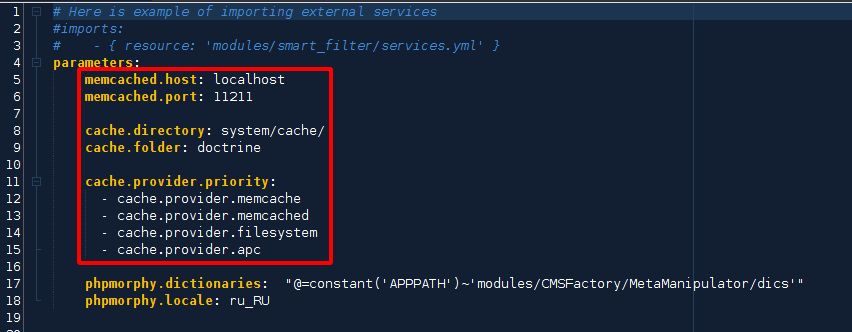
memcached.host - ip memcache(-d).
memcached.port - port to connect to.
By default, these are localhost and 11211, but depending on the server or hosting settings, this data may differ.
Example for hosting "ukraine hosting", when connecting the "memcache" service, there are 2 connection methods, memcache socket and memcached socket.

Where in home/example/.system/memcache/socket the word example is the name of your hosting (each has its own parameter in the control panel).
If you need memcache:
parameters:
     memcached.host: unix:///home/example/.system/memcache/socket
     memcached.port: 0
Set port to 0, this instruction is given by the hoster itself, since the connection is made via a unix socket.
If you need memcached:
parameters:
     memcached.host: home/example/.system/memcache/socket
     memcached.port: 11211
Leave the default port. In this case, memcached will work.
If memcache or memcached are not connected, then file caching (cache.provider.filesystem) will work.
You can check what type of caching is currently used in "Settings -> Global Settings -> Caching type used"
After changing the settings - clear the cache in the admin panel.